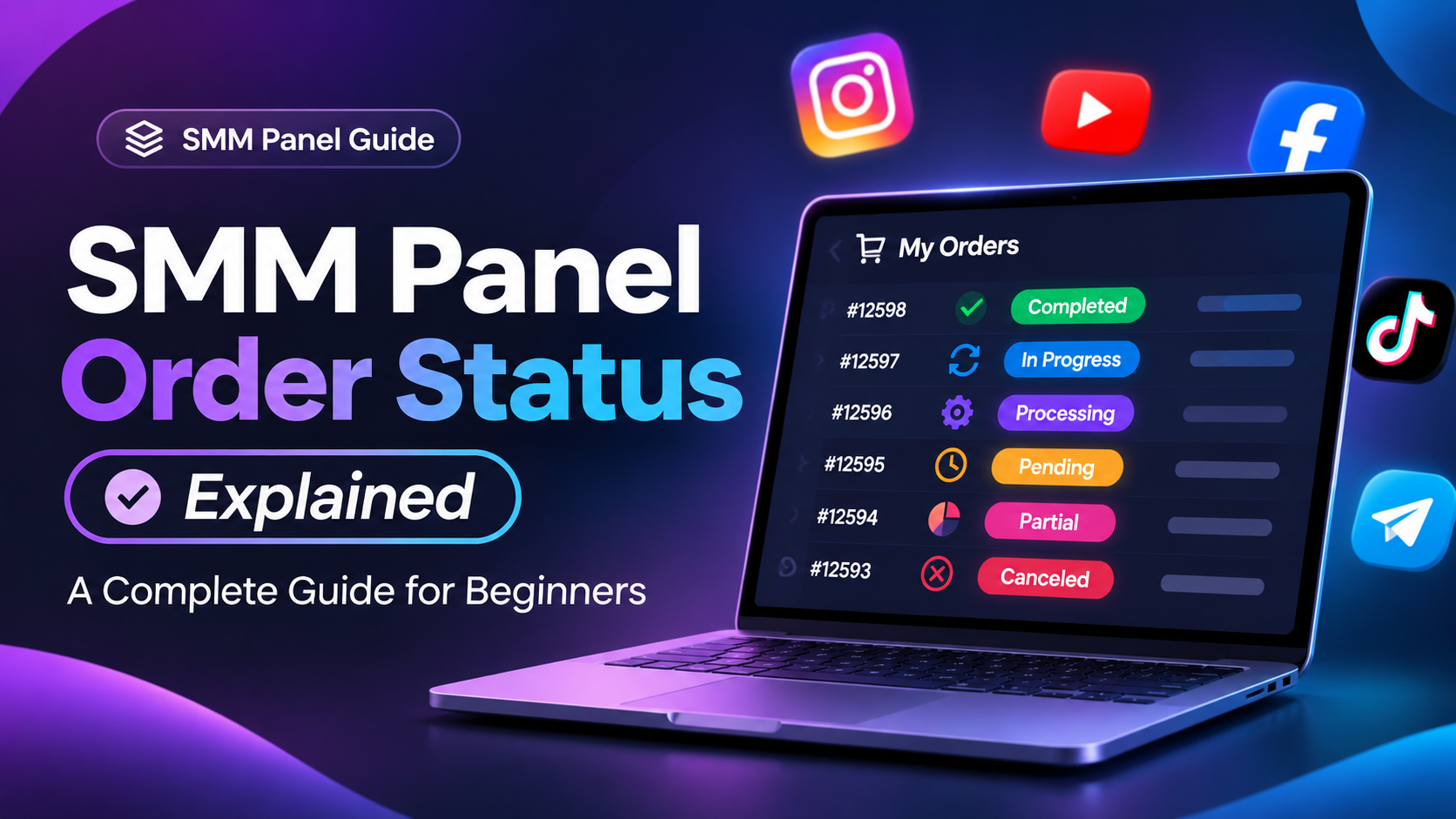
When you purchase social media services through an SMM panel, every order goes through different stages. Understanding these order statuses helps you track your purchases and know what is happening with your services.
In this guide, we'll explain the most common SMM panel order statuses.
Different Types of SMM Panel Order Statuses
1. Pending
Your order has been received but has not started processing yet.
2. In Progress
Your order has started, and the service is being delivered according to the selected service specifications.
3. Processing
Your order is being prepared or handled by the service provider before delivery begins.
4. Completed
The order has been marked as successfully delivered according to the service requirements.
5. Partial
Only part of the requested quantity has been delivered. The remaining quantity may not be completed.
6. Canceled
The order has been canceled and will not continue. Refund eligibility depends on the panel's policies.
How to Track Your SMM Panel Orders
Tracking your orders is simple:
Log in to your SMM panel account.
Open the Orders section.
Find your order using its Order ID.
Check the current status.
Contact support if the order remains delayed beyond its estimated delivery time.
Why Is Your SMM Order Taking So Long?
Several factors can affect delivery time, including service provider delays, high order volume, platform restrictions, and incorrect order details.
Always check the service description and estimated delivery time before placing an order.
Final Thoughts
Understanding SMM panel order statuses makes managing social media services easier. Always choose clearly described services, monitor your orders, and use reliable customer support whenever you experience an issue.
A transparent and easy-to-use SMM panel can make managing social media orders more convenient for individuals, resellers, and digital marketing agencies.
Ready to manage your social media orders? Explore the services available on our SMM panel today.