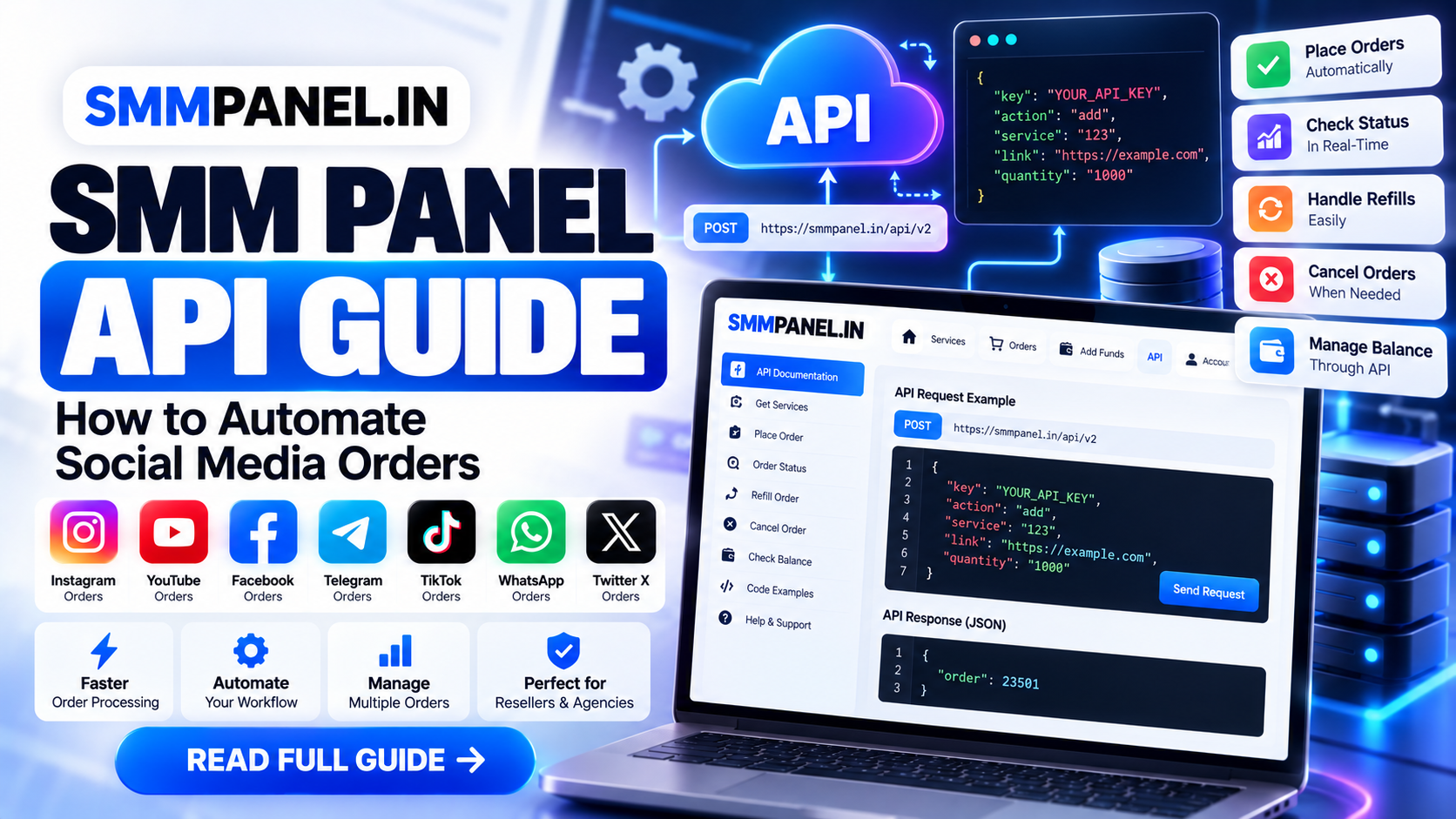
Managing social media orders manually can become difficult when you operate a reseller website, marketing agency, or large number of client campaigns. An SMM Panel API can simplify this process by connecting your website, application, or custom dashboard directly to an SMM panel.
With an API integration, you can automatically retrieve available services, submit orders, check order status, monitor refills, check account balance, and manage multiple orders without manually placing every order through the panel dashboard.
In this guide, we'll explain how an SMM Panel API works, how to integrate the SMMPANEL.IN API, common API actions, example code, security practices, and how automation can improve your workflow.
What Is an SMM Panel API?
An SMM Panel API is an interface that allows another application or website to communicate with an SMM panel automatically.
Instead of a customer or reseller manually logging into the panel and placing every order, your software can send an API request containing information such as:
API key
Service ID
Social media URL
Quantity
Comments or usernames when required
The panel processes the request and returns a structured response, normally in JSON format.
This makes it possible to build automated systems such as:
SMM reseller websites
Client dashboards
Order management systems
Custom marketing applications
Automated fulfillment systems
Agency management tools
Multi-order processing systems
SMMPANEL.IN API
SMMPANEL.IN provides an API designed for automated social media order management.
According to the current API documentation, the API uses the HTTP POST method, the endpoint is:
The documented response format is JSON.
API Endpoint
https://smmpanel.in/api/v2Your API requests generally include:
key
action
Additional parameters depend on the action and service type.
Why Use an SMM Panel API?
The biggest advantage of an API is automation.
Imagine you operate a reseller website where customers place hundreds of social media orders every day. Manually copying every order into another SMM panel would consume significant time.
With API integration:
Customer places order → Your website receives order → API sends order → SMM panel processes it → Your system checks status
This reduces repetitive manual work and makes order processing much more scalable.
Main Benefits
1. Automatic Order Processing
Orders can be forwarded automatically instead of being entered manually.
2. Faster Fulfillment
Your application can submit orders immediately after payment or order confirmation.
3. Better Order Management
Your system can periodically check the status of orders and update customers automatically.
4. Reseller Automation
Resellers can create their own front-end while using an SMM panel as the backend service provider.
5. Bulk Order Management
The API documentation supports multiple-order status checking and multiple refill operations, which can be useful for systems managing many orders.
How the SMMPANEL.IN API Works
A typical API workflow looks like this:
Customer
   ↓
Your Website
   ↓
Your Order System
   ↓
SMMPANEL.IN API
   ↓
Service Provider
   ↓
Order Status
   ↓
Your Website
   ↓
Customer
Your application acts as the bridge between the customer and the SMM panel.
For example, when a customer purchases an Instagram service:
Customer selects a service.
Customer enters the required social media link.
Customer pays for the order.
Your website identifies the corresponding service ID.
Your backend sends an API request.
SMMPANEL.IN returns an order ID.
Your system stores the order ID.
Your system periodically checks the order status.
The customer's order page is updated automatically.
Step 1: Get Your API Key
Before sending API requests, you need an API key associated with your SMM panel account.
Important: Never expose your API key in frontend JavaScript, HTML, public GitHub repositories, browser requests, or client-side applications.
Store it on your server using an environment variable or secure configuration system.
For example:
$apiKey = getenv('SMM_API_KEY');Your API key should be treated similarly to a password.
Step 2: Retrieve the Service List
One of the most useful API actions is retrieving the available service list.
The documented action is:
action=servicesA typical request contains:
key
action=services
The API returns service information such as:
Service ID
Service name
Service type
Category
Rate
Minimum quantity
Maximum quantity
Refill availability
Cancel availability
For example, the documented response structure includes fields such as:
{
  "service": 1,
  "name": "Followers",
  "type": "Default",
  "category": "First Category",
  "rate": "0.90",
  "min": "50",
  "max": "10000",
  "refill": true,
  "cancel": true
}
These values allow your website to dynamically build its service catalog instead of manually entering every service.
Step 3: Add an Order Through the API
The API uses:
action=addAn order normally requires:
key
action
service
link
quantity
Some service types require different parameters.
For example:
key = YOUR_API_KEY
action = add
service = SERVICE_ID
link = SOCIAL_MEDIA_URL
quantity = 1000
The exact parameters depend on the selected service.
The API documentation also describes optional parameters such as:
runs
interval
These can be used for supported drip-feed style orders.
PHP Example: Submit an SMM Order
A simple server-side PHP implementation can look like this:
<?php

$apiUrl = 'https://smmpanel.in/api/v2';
$apiKey = getenv('SMM_API_KEY');

$data = [
    'key'      => $apiKey,
    'action'   => 'add',
    'service'  => 123,
    'link'     => 'https://example.com/post',
    'quantity' => 1000
];

$ch = curl_init($apiUrl);

curl_setopt($ch, CURLOPT_POST, true);
curl_setopt($ch, CURLOPT_POSTFIELDS, http_build_query($data));
curl_setopt($ch, CURLOPT_RETURNTRANSFER, true);
curl_setopt($ch, CURLOPT_TIMEOUT, 30);

$response = curl_exec($ch);

if ($response === false) {
    throw new Exception(curl_error($ch));
}

curl_close($ch);

$result = json_decode($response, true);

print_r($result);
The service ID and URL in this example are placeholders. Your application should obtain the correct service ID from the service list.
Step 4: Save the Returned Order ID
When an order is successfully submitted, the API documentation shows an order response containing an order ID:
{
  "order": 23501
}
Your database should save this ID together with your own internal order ID.
For example:
| Your Order ID | API Order ID | Status |
|---|---|---|
| 10001 | 23501 | Pending |
| 10002 | 23502 | In progress |
| 10003 | 23503 | Completed |
This allows your application to match API orders with customer orders.
Step 5: Check Order Status
After submitting an order, your system can check its status using:
action=statusThe request requires:
key
action=status
order=ORDER_ID
The documented response can contain:
Charge
Start count
Status
Remains
Currency
For example:
{
  "charge": "0.27819",
  "start_count": "3572",
  "status": "Partial",
  "remains": "157",
  "currency": "USD"
}
Your website can use this information to update the customer automatically.
Checking Multiple Orders
If your system has many active orders, checking them one at a time can create unnecessary API requests.
The SMMPANEL.IN API documentation supports checking multiple order IDs using:
action=status
orders=ORDER_ID_1,ORDER_ID_2,ORDER_ID_3
The documented multiple-order endpoint supports up to 100 order IDs per request.
This can be useful for scheduled background jobs.
For example:
Cron Job
   ↓
Find Active Orders
   ↓
Group 100 Orders
   ↓
API Status Request
   ↓
Update Database
   ↓
Update Customer Dashboard
Step 6: Automate Refill Requests
For services that support refills, your system can create a refill request using:
action=refill
order=ORDER_ID
The API returns a refill ID when the request is accepted.
The documentation also supports multiple refill requests using multiple order IDs.
This can help resellers automate their after-sales order management.
Check Refill Status
After creating a refill request, your system can check the refill status with:
action=refill_status
refill=REFILL_ID
Possible responses can include statuses such as:
Completed
Rejected
The API also provides a multiple-refill-status action for managing multiple refill IDs.
Step 7: Cancel Supported Orders
For services where cancellation is available, the API supports:
action=cancelThe request can contain multiple order IDs.
For example:
key=YOUR_API_KEY
action=cancel
orders=1001,1002,1003
Your application should only display a cancellation option when the relevant service supports cancellation.
The service list provides a cancel field that can be used to determine whether cancellation is available.
Step 8: Check Your API Balance
Your application can also retrieve the account balance using:
action=balanceThe documented response includes the available balance and currency.
Example:
{
  "balance": "100.84292",
  "currency": "USD"
}
This can be useful for automated monitoring.
For example, your application could prevent new reseller orders from being forwarded if your provider balance is insufficient.
Recommended SMM Panel API Architecture
For a professional reseller platform, avoid sending API requests directly from the customer's browser.
Use a backend architecture:
Frontend
   ↓
Your Backend API
   ↓
Order Database
   ↓
SMM Panel API
Frontend
Handles:
Service selection
Customer details
Order form
Payment
Order tracking
Backend
Handles:
API authentication
Service mapping
Order submission
Status synchronization
Refills
Cancellations
Balance monitoring
Error handling
Database
Stores:
Customer order ID
API order ID
Service ID
Quantity
Link
Price
Provider charge
Status
Refill ID
Timestamps
API response logs
This architecture keeps sensitive credentials away from the customer.
Automating Orders With Cron Jobs
A cron job can periodically synchronize order statuses.
For example:
Every 5 minutes
       ↓
Find Pending/In Progress Orders
       ↓
Send Status API Request
       ↓
Receive JSON Response
       ↓
Update Database
       ↓
Update Customer Order Status
A simple schedule might be:
*/5 * * * *This runs the synchronization task every five minutes on systems using standard cron syntax.
For larger platforms, consider queue workers instead of relying exclusively on cron.
Error Handling Is Important
API integrations should never assume every request will succeed.
Your software should handle:
Invalid API key
Invalid service ID
Invalid order ID
Invalid URL
Quantity below minimum
Quantity above maximum
Insufficient balance
Unsupported refill
Unsupported cancellation
Network timeout
API errors
Unexpected JSON responses
For example:
if (!is_array($result)) {
    // Log invalid API response
    // Mark request for retry
}
Do not automatically retry every failed request.
A timeout and an invalid service ID are completely different problems.
Protect Your API Key
API security is one of the most important parts of an SMM panel integration.
Never do this:
const API_KEY = "YOUR_SECRET_API_KEY";Frontend code can be inspected by users.
Instead:
Browser
   ↓
Your Server
   ↓
Environment Variable
   ↓
SMMPANEL.IN API
Additional best practices include:
Use HTTPS.
Keep API keys server-side.
Use environment variables.
Restrict administrative access.
Log API errors without exposing secrets.
Do not store API keys in public repositories.
Rotate credentials when necessary.
Validate customer input before forwarding requests.
How to Build an Automated Reseller Website
A typical automated SMM reseller system can contain these components:
1. Service Synchronization
Your system retrieves the provider's services and stores their IDs, names, categories, limits and rates.
2. Pricing Engine
Your website adds your reseller margin to the provider's cost.
For example:
Provider Cost
      +
Your Margin
      =
Customer Price
3. Order System
Customers purchase services through your website.
4. Payment System
After successful payment, your backend creates the provider order.
5. Order Synchronization
A background process checks provider status.
6. Customer Dashboard
Customers can see:
Order ID
Service
Quantity
Start count
Remains
Status
Order date
7. Support System
Failed or unusual orders can be reviewed manually.
API Automation vs Manual Ordering
| Feature | Manual Ordering | API Automation |
|---|---|---|
| Order submission | Manual | Automatic |
| Bulk processing | Slow | Fast |
| Status updates | Manual | Automated |
| Reseller website | Difficult | Suitable |
| Customer dashboard | Limited | Highly customizable |
| Refill management | Manual | Automatable |
| Scaling | Difficult | Easier |
| Development required | Low | Higher |
API integration requires development work initially, but it can significantly reduce repetitive operational tasks once implemented correctly.
Important: API Automation Does Not Guarantee Organic Growth
An API automates order processing. It does not guarantee that a social media account will achieve long-term organic growth.
Social platforms can change their algorithms, recommendation systems, policies and enforcement mechanisms.
For this reason, SMM services should be treated as a marketing tool rather than a replacement for:
Quality content
Audience research
Community engagement
Consistent publishing
Paid advertising
Analytics
Conversion optimization
SMMPANEL.IN's own terms state that its services are intended to improve account "appearance" and do not guarantee that delivered followers will interact with the account.
SMM Panel API Best Practices
Before launching an automated system, follow these practices:
Use Server-Side Requests
Keep provider credentials away from the frontend.
Cache Service Data
Don't request the complete service list unnecessarily on every page load.
Store Provider IDs
Save the provider service ID in your database.
Validate Limits
Check the minimum and maximum quantities before submitting orders.
Use Background Processing
Status checks and bulk synchronization are better suited to workers or scheduled jobs.
Log Failures
Keep enough information to diagnose failed requests without storing sensitive credentials.
Handle Partial Orders
A provider may return statuses such as Partial, so your database should support more than simply Pending and Completed.
Build Idempotency Into Your System
Your application should avoid accidentally creating duplicate provider orders when a customer refreshes a page or when a network timeout occurs.
Final Thoughts
An SMM Panel API can turn a manual social media order workflow into an automated system.
With the SMMPANEL.IN API, developers can work with service lists, create orders, check individual or multiple order statuses, request refills, check refill status, cancel supported orders and monitor account balance.
For resellers and agencies, the most effective approach is to build the API integration around a secure backend, reliable database, background status synchronization and proper error handling.
The API should handle the repetitive operational work while your platform focuses on customer experience, pricing, service selection and marketing strategy.
For the latest parameters and supported API actions, always refer to the official SMMPANEL.IN API documentation before implementing your integration.